
Episodes / Episode 6 of 9
SQL Server HA & DR: RTO, RPO and Restores
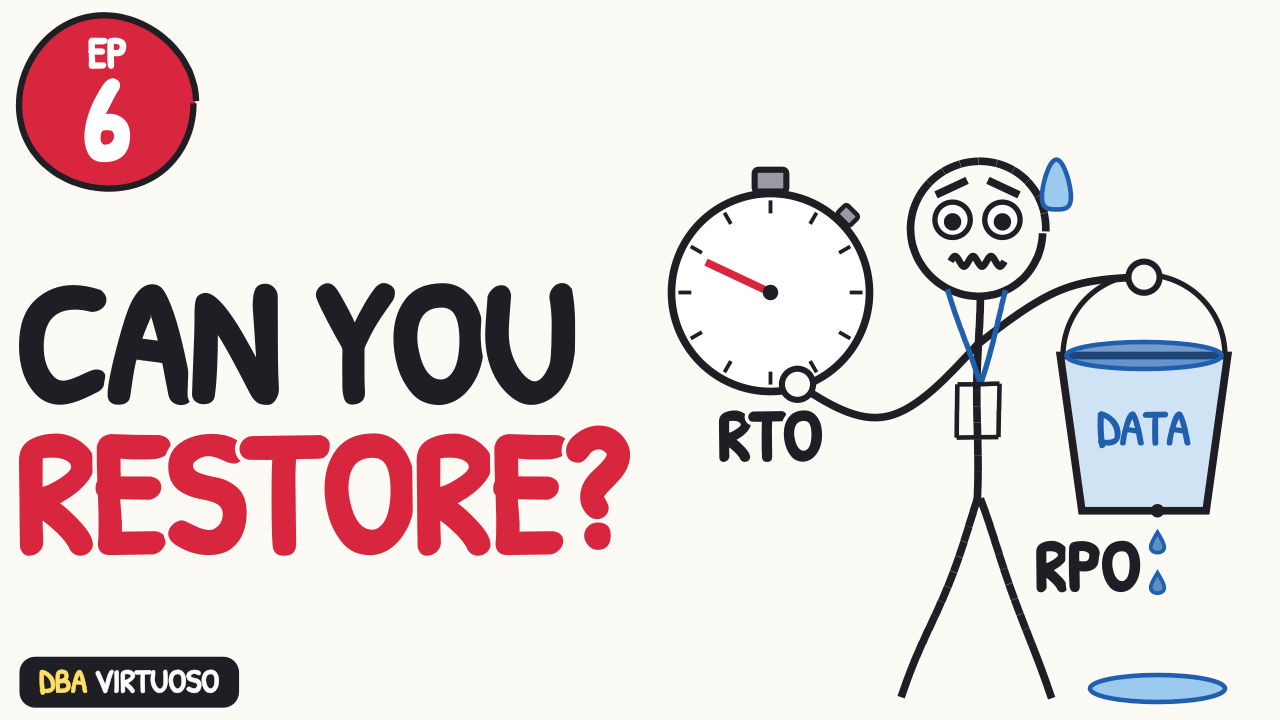
High availability and disaster recovery for SQL Server in plain English: RTO and RPO, what each option really protects you from, and why your restores matter more than your backups.
Watch on YouTubeFull course playlistSubscribe
In this episode
- RTO and RPO: how long you can be down, and how much data you can lose
- Backup only, log shipping, mirroring, availability groups and SRM: what each one costs and recovers
- User error protection: a log shipping delay and point-in-time restores
- Test your point-in-time restores now, before you need them
Chapters
Transcript
Read the full transcript
HADR is high availability and disaster recovery. High availability is “the server died, and nobody noticed.” Disaster recovery is “the building died, and we’re back up somewhere else.” Different problems, different tools, different price tags.
And there’s a third problem that none of those tools solve: user error.
RTO
RTO. Recovery Time Objective. How long can this be down?
RPO
RPO. Recovery Point Objective. How much data can we lose?
Ask the business for both numbers, in minutes. They will say zero and zero. Then tell them what zero and zero costs, and watch the numbers get bigger. That’s not you being difficult. That’s the conversation working. Get the final numbers in writing, because every choice in the rest of this video comes from them.
Backup only
Backup only. The cheapest option.
Your RPO is however often you take log backups. Log backups every 15 minutes means you can lose up to 15 minutes of data.
Your RTO is however long the restore takes.
Log shipping
Log shipping. Take log backups, copy them to another server, and restore them there on a schedule. It’s simple, it’s cheap, and it works.
Failover is manual. RPO is however far behind the copies are, usually minutes.
And log shipping has a trick none of the fancy options have. You can tell the secondary to wait before it restores each backup. Set a delay of an hour, and when someone drops a table at 2:00, you have until 3:00 to stop the restores and pull the table back off the secondary. The catch: with a delay, failover takes longer, because you have to restore that hour of logs first.
Mirroring
Database mirroring is deprecated. Microsoft has been saying it’ll be removed for years, and on Standard edition you only get the synchronous, full-safety mode anyway.
If you have mirroring, plan to replace it. If you’re about to set it up new, stop.
Availability Groups
Availability groups are the best high availability in SQL Server. Replicas on other servers stay in sync, and failover can be automatic.
Enterprise edition gets the full version: multiple secondaries, and you can read from them. Standard edition gets basic availability groups: two replicas, one database per group, and no reading from the secondary.
Connect through the listener, and point a CNAME at the listener. Then the app never knows which server is primary, and it never needs to.
SRM
VMware Site Recovery Manager. Broadcom renamed it VMware Live Site Recovery, but everyone still calls it SRM. It replicates whole VMs to your disaster recovery site and brings them up there in order.
I’ve seen a lot of teams use SRM, and it worked. It has a risk. In a real disaster, you can’t cleanly power down the primary SQL Servers. There is a chance that when you bring the secondaries up, the databases will be corrupted.
User error protection
Here’s the part nobody tells you.
Every high availability technology in this video copies your mistakes. Somebody deletes the customers table on the primary, and your availability group deletes it on every secondary within seconds. SRM replicates it to the disaster recovery site. Mirroring mirrors it. High availability protects you from hardware. It does nothing to protect you from people.
Only one thing protects you from people:
Backups, with point-in-time restore. That log shipping delay works for the same reason: log shipping is just backups. Restore a copy of the database, under a different name, to right before the mistake. Copy the data back. Never restore over production to fix one table.
The users are going to delete something important. Not maybe. Going to. Plan for it.
I have countless stories of users making a mistake, often in an application configuration, that turns the data in the database into a giant tangle of spaghetti. It’s very easy to tangle up spaghetti noodles, and very hard to make them straight again. So test your point-in-time restores now, before you need them.